Tag: home internet
-

What is a Guest WiFi Network (+ Why Do You Need It)
Guest network: key takeaways A guest WiFi network is a separate network on your same router. It gives visitors and devices internet access, kept apart from your main network and its password. It is mostly about two things: keeping the devices that run your daily life separate from the ones that just need internet, and…
-
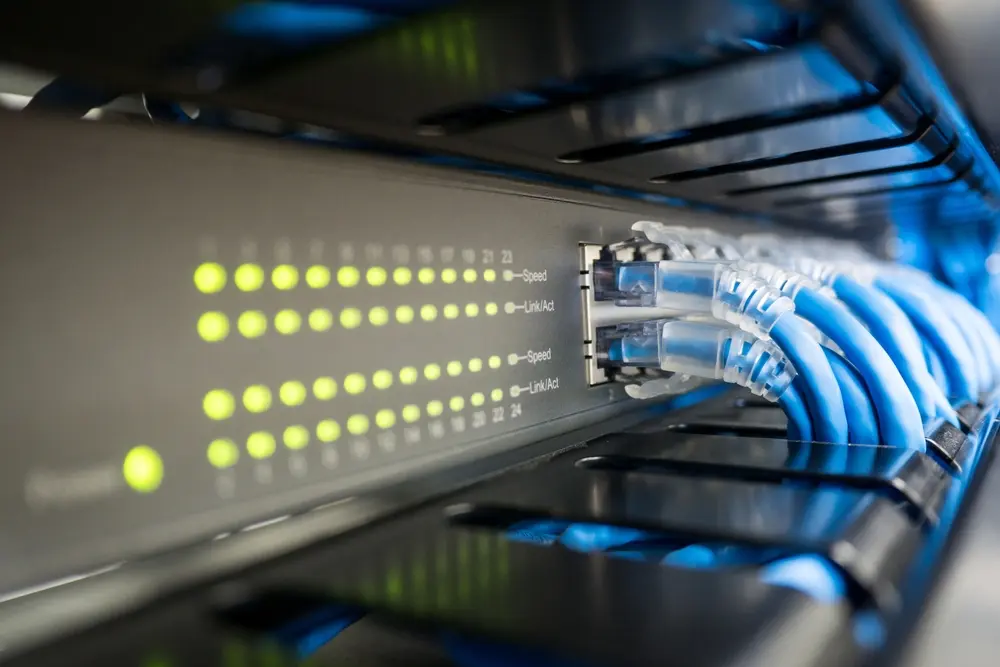
How to Get Ethernet in Another Room: 7 Ways to Extend Your Wired Connection
The Quick Answer To get wired internet in another room, you have three main options: run an ethernet cable from your router for the best speed and reliability, use a powerline adapter that sends the signal over your home’s electrical wiring, or use a MoCA adapter that uses your existing coax cables. If the room…
-

What’s the Best Type of Internet for You? A Complete 2026 Guide
Best type of internet: key takeaways Fiber internet is the best type of internet for most households today, with symmetrical speeds up to 10 Gbps and the most reliable connection available. Cable internet is the most common alternative, offering fast downloads but slower uploads and shared bandwidth that dips during peak hours. 5G home internet…
-

What Internet Speed Do I Need to Work From Home? (2026 Guide)
Work from home internet speeds: key takeaways 100 Mbps is usually enough for one person working from home with standard office tasks like email, video calls, and cloud apps. Upload speed matters more than download speed for video calls, screen sharing, and file uploads — but most plans short-change you on uploads. Your job type…
-

Xbox Download Speed Slow but Internet Fast: Try These 8 Tested Solutions
Xbox Download Speed Slow but Internet Fast: Key Takeaways Slow Xbox downloads despite fast internet are usually caused by Wi-Fi interference, background apps, DNS bottlenecks, or Microsoft server congestion — not your ISP. The fastest fixes: switch to a wired Ethernet connection, close background games, and restart your router. Changing your DNS to Google (8.8.8.8)…
-
Upload vs Download Speed: What’s the Difference?
Key Takeaways Download speed is how fast data comes to you — streaming, browsing, and loading apps. Upload speed is how fast you send data out — video calls, gaming, file backups, and posts. Most traditional plans are asymmetrical — built to favor downloads, leaving upload speeds far behind. Cable and DSL plans often allocate…
-

These 7 Materials Can Block Wi-Fi Signal (& What You Can Do About It)
Key Takeaways – Materials Can Block WiFi Signal Key Takeaways 🔩 Metal is the worst material for WiFi. It reflects radio waves rather than letting them pass through — placing your router near filing cabinets, metal doors, or metal shelving will reliably create dead zones. 🧱 Concrete and brick walls are major signal blockers.Their density…
-

9 Effective Tips to Improve Weak Wi-Fi Signal Upstairs
Key Takeaways – Effective Tips to Improve Weak WiFi Signal Upstairs Key Takeaways 📍 Where you put your router matters more than almost anything else. Wi-Fi signals spread horizontally, not vertically — so a router sitting on the ground floor in a corner is working against physics. Moving it higher and more centrally changes everything.…
-

What Is Quality of Service (QoS) & How to Prioritize Internet Traffic
Key Takeaways – Quality of Service (QoS) Key Takeaways 🎯 Quality of Service (QoS) prioritizes important internet traffic. It gives bandwidth priority to video calls, gaming, and streaming for better performance during peak usage. ⚡ QoS improves Wi-Fi performance without increasing speed. It optimizes how bandwidth is shared across devices instead of boosting your internet…
-

8 Powerful Benefits of Fiber Internet You’ll Wish You Knew Sooner
Key Takeaways – Benefits of Fiber Internet Key Takeaways 💡 Fiber transmits data as light, not electricity. That’s why it’s faster, more stable, and immune to the signal degradation that slows down cable and DSL connections. ⬆️ Symmetrical speeds mean your upload matches your download — critical for remote work, video calls, cloud backups, and…