Category: Internet Tips and Tricks
-
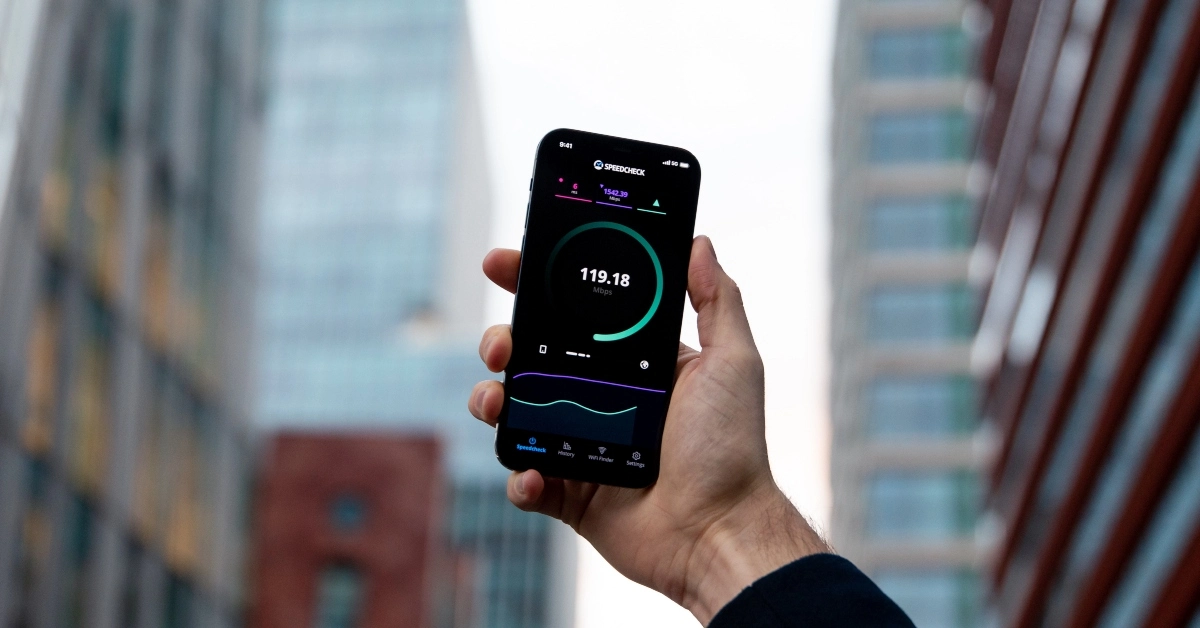
Top 7 Issues That Affect Wi-Fi Speed (& How to Fix Them)
When it comes to staying connected, there are few things more frustrating than the issues that affect Wi-Fi speed. Picture this: you’re about to stream your favorite show, video chat with a friend, or upload that important work file—then it happens. Your Wi-Fi slows down to a crawl, buffering endlessly, making even the simplest online…
-
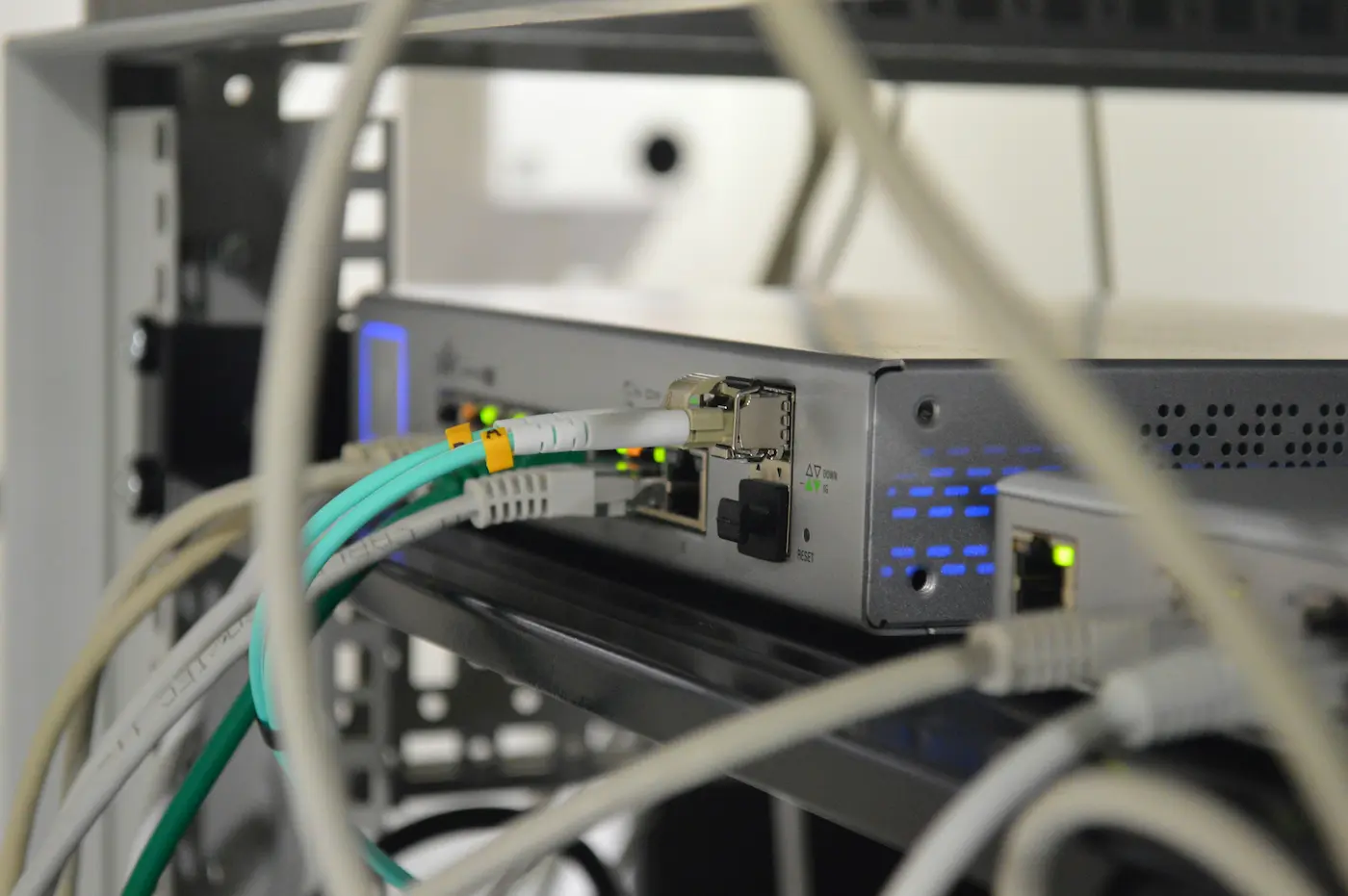
How to Connect an Ethernet Cable: A Step-by-Step Guide for Fast & Reliable Internet
If you’re looking for a fast and reliable internet connection, learning how to connect an Ethernet cable is the best place to start. Whether you’re gaming, working, or streaming, Ethernet offers a more stable connection than Wi-Fi. It’s perfect when you need consistent speeds and minimal interruptions. Connecting an Ethernet cable might sound complicated, but…
-
How Race Communications is Changing Internet Service in California (Real Stories)
In communities all over California, people are discovering how Race Communications delivers more than just fast internet. Founded in 1994, Race Communications started as a small company with a clear mission: to bring high-speed fiber internet to places other providers ignore. From the start, we’ve done things differently – no gimmicks, frustrating contracts, or surprise…
-
Race Communications Empowers Tech Lovers with the Internet They Deserve (Testimonials Inside)
You’re deep into an online game, the tension rising with every passing second. Victory is within your grasp when suddenly, disaster strikes: lag. Or perhaps it’s the middle of a critical video conference, leading a high-stakes corporate discussion. Every detail matters, and then – your screen freezes, your voice cuts out, and you’re left scrambling…
-

Fiber or Cable Internet: Which is Best for You?
Fiber vs. cable internet: a choice that impacts everything from streaming your favorite shows to handling work calls. When choosing the right one for yourself, you must consider speed, reliability, cost, and how it fits into your daily life. But which one to choose? We’ll break it down for you in simple terms so…
-

6 Reasons Why Race Communications Fiber Internet is Ideal for Students
Why Race fiber works for students Fiber speeds up to 10 Gbps handle streaming, gaming, video calls, and large uploads at the same time, even in a house full of roommates. Symmetrical upload and download speeds mean fast file uploads, quick cloud backups, and lag-free video calls and livestreams. No data caps and no annual…
-
42 Wi-Fi Terms You Need to Know if You Have Wireless Internet
Do you understand Wi-Fi terms, or does it sound like another language? Our glossary of terms will help you learn essential Wi-Fi terms you need to know, explaining the technical mumbo jumbo, abbreviations, and common acronyms you will run into when discussing wireless internet with your friends, family, coworkers, or internet service providers. Below you’ll…
-
Here’s How Long It Takes to Install Internet (After You Order)
The short answer If Race Communications fiber internet is already built to your address, installation typically happens within three days to two weeks of placing your order. You pick your install day and time window during checkout. If your home is newly built, or your neighborhood is still finishing utility construction, plan on longer. How…
-

Firestick Won’t Connect to Wi-Fi: 13 Tested Solutions
Key takeaways Start with your Firestick’s built-in Network Status tool. Go to Settings > Network, highlight your network, and press Play/Pause. It tells you whether the problem is between your Firestick and your router, or between your router and the internet. If every other device in your home is online and only the Firestick is…
-
When & How to Turn Off Wi-Fi (Android, iOS, Mac, Windows, & More)
Have you ever found yourself staring at your device, wondering why your Wi-Fi is acting up at the worst possible moment? Maybe you’re in the middle of a critical Zoom meeting or trying to stream the latest episode of your favorite show, only to be met with endless buffering. We’ve all been there. Knowing when…