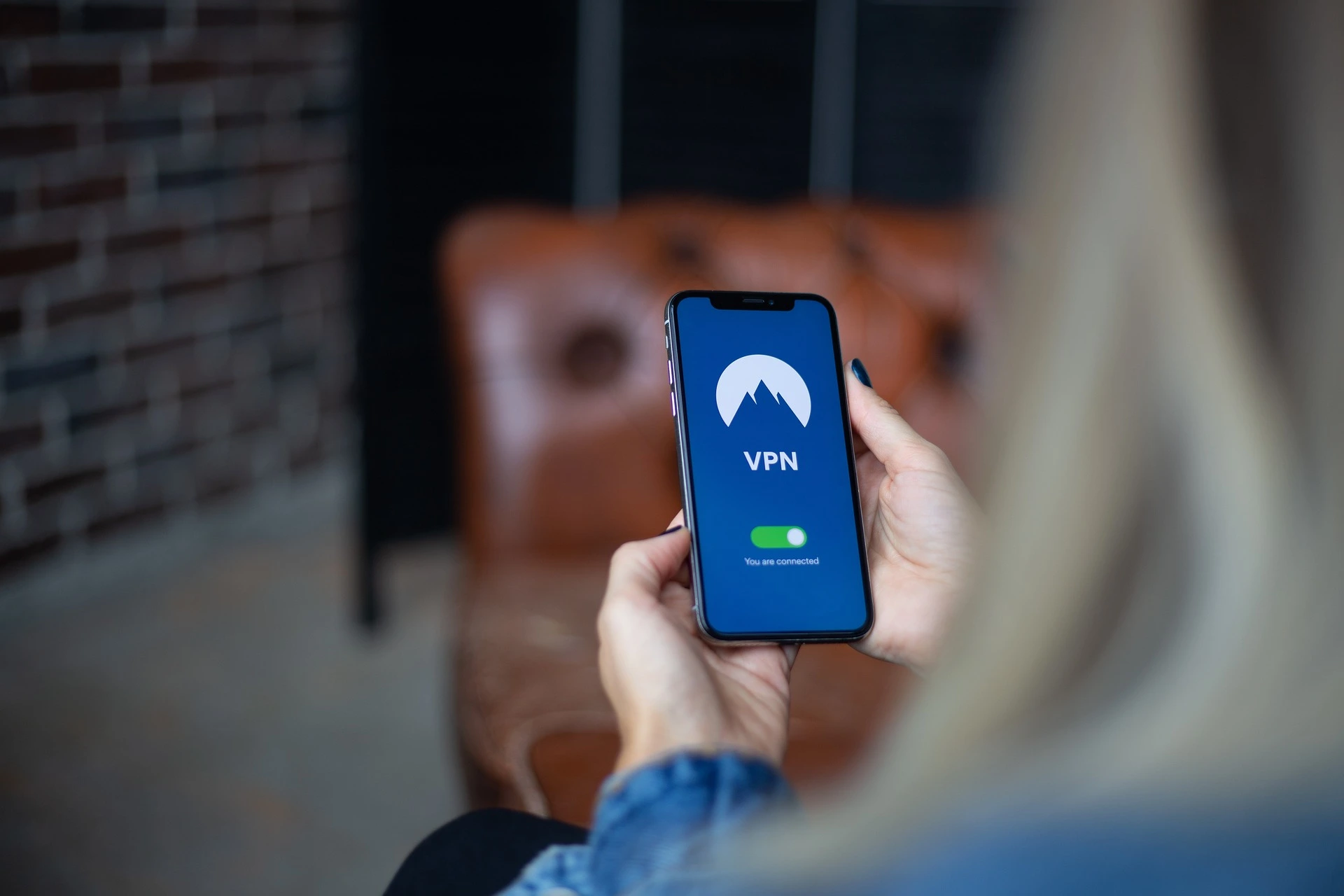
Why You Should Use a VPN for Public WiFi: Highlights
- A VPN encrypts your internet traffic so others on a public WiFi network can’t see what you’re doing online.
- Most websites now use HTTPS encryption, so public WiFi is safer than it used to be. A VPN adds privacy on top.
- On public WiFi, a VPN hides your activity from the network operator and protects you on sites that skip encryption.
- A VPN does not block malware or phishing. Pair it with updated software and trusted antivirus.
- Setting up a VPN takes a few minutes: choose a provider, install the app, sign in, and connect.
Public WiFi is convenient. You can check email at a coffee shop, catch up on work at the airport, or browse while you wait for a table. The catch is that an open network is easier for other people to snoop on than the protected connection you have at home.
A virtual private network, or VPN, adds a layer of privacy when you connect to WiFi you don’t control. Here’s what a VPN actually does, when it helps, and how to set one up.
Are Public WiFi Networks Safe?
For everyday browsing, public WiFi is usually fine. Most websites and apps now use HTTPS, which encrypts the information that travels between your device and the site. You can spot it by the padlock or the “https” in your browser’s address bar.
That encryption does a lot of the work for you. Open networks still come with a few risks worth knowing about:
- Your activity is visible to the network. Others sharing the WiFi can often see which sites you visit, even if they can’t read what you send.
- Not everything is encrypted. A small number of sites and older apps still skip HTTPS.
- Fake hotspots exist. A “lookalike” network can trick you into connecting to something set up by someone else.
So use good judgment on public WiFi. Stick to routine browsing, save sensitive tasks like banking for a connection you trust, and know how to protect your personal information online wherever you are. A VPN gives you an easy way to add protection on top.
Why You Should Use a VPN for Public WiFi
A VPN routes your internet traffic through a secure server and encrypts it along the way. The network you’re on, the people sharing it, and even your internet provider can’t see what you’re doing.
On public WiFi, that adds up to a few real benefits:
- Privacy from the network. The coffee shop, the airport, or whoever runs the hotspot can’t track the sites you visit.
- Cover for unencrypted sites. If you land on a site without HTTPS, the VPN still protects your traffic.
- One habit for every network. Turn it on once and you don’t have to size up whether each new WiFi network is trustworthy.
A VPN won’t make you invisible, and it isn’t a fix for every threat. But as a simple, always-on layer of privacy, it earns its place.
Can a VPN Protect Me Against Malware?
Not on its own. A VPN encrypts your connection, but it doesn’t scan for viruses, spyware, or other malware. It also can’t stop a phishing email from reaching your inbox.
Pair your VPN with a few basic habits:
- Keep your operating system and apps updated.
- Run trusted antivirus software.
- Think twice before opening attachments or downloading files from someone you don’t know.
Together, those cover far more ground than any single tool.
How to Set Up a VPN for Public WiFi
Getting started takes a few minutes:
- Pick a reputable VPN provider and sign up for a plan.
- Download and install the app on your phone, laptop, or both.
- Open the app and sign in with your account.
- Choose a server and connect. Many apps do this for you automatically.
Once you’re connected, browse as usual. Your traffic runs through the secure server the whole time.
A couple of things to keep in mind. A VPN can slow your connection down a little, which you might notice when streaming in HD. Some providers also cap how much data you can use, so it pays to choose a credible one. For most people, the added privacy is worth the trade. You can switch a VPN on or off anytime in your device settings or the app.
The Bottom Line
A VPN is a small, smart step for protecting your privacy on public WiFi. HTTPS already handles a lot, but a VPN fills the gaps and gives you one less thing to think about every time you connect. Set it up once, and you’re covered at the coffee shop, the airport, and everywhere in between.
Frequently Asked Questions
Do I need a VPN on public WiFi?
You don’t strictly need one, since most websites already use HTTPS encryption. But a VPN is a smart extra layer. It hides your activity from the network you’re on and protects you on any site that isn’t encrypted.
Is public WiFi safe without a VPN?
For routine browsing, it’s usually fine, because HTTPS encrypts most of the data you send. Just avoid sensitive tasks like banking on networks you don’t trust, and watch out for fake hotspots set up to look legitimate.
Does a VPN protect against hackers on public WiFi?
A VPN encrypts your traffic, which makes it much harder for anyone on the same network to see what you’re doing. It’s a strong privacy layer, though it works best alongside updated software and antivirus.
Can a VPN protect me from viruses?
No. A VPN secures your connection, but it doesn’t scan for or block malware. Keep your operating system and antivirus up to date, and be careful with attachments and downloads.
Are free VPNs safe to use on public WiFi?
Some are fine, but free VPNs often limit your data, slow your connection, or make money by logging your activity. For public WiFi, a reputable paid provider is usually the safer choice.