- Use strong, unique passwords for every account — and consider a password manager to avoid reuse and reduce the risk of widespread account compromise.
- Enable two-factor authentication (2FA) wherever possible — it adds a critical second layer of protection even if your password is exposed.
- Stay alert for phishing scams and suspicious links — verify senders, avoid urgent “click now” messages, and never share sensitive information via email or text.
- Avoid sensitive activity on public Wi-Fi — use secure networks or a VPN to protect your data from interception.
- Keep devices, apps, and routers updated — updates patch security vulnerabilities that hackers actively exploit.
- Limit what you share online — personal details on social media can be used for identity theft, scams, or password guessing.
While the internet has brought us many benefits, it has also created new dangers and risks.
Cyberattacks, identity theft, and online scams are becoming more common than ever. Therefore, you should know how to protect yourself and your data while browsing the internet. This blog will provide 13 essential tips to stay safe online.

1. Choose a Strong Password & Use a Password Manager
Your password is your first line of defense against hackers trying to access your accounts, so it’s worth taking a few extra steps to get it right.
A strong password should include a mix of uppercase and lowercase letters, numbers, and symbols. This makes it much harder for attackers to guess or crack. The more complex and unique your password is, the better protected you are.
It’s just as important to avoid using personal information like birthdays, names of family members, or common words. These are often the first things hackers try. And while it might be tempting, don’t reuse the same password across multiple accounts. If one account gets compromised, the rest could quickly follow.
To make things easier, consider using a password manager like LastPass. These tools can generate and store strong, unique passwords for all your accounts, so you only have to remember one master password. It’s a simple way to stay secure without the headache of memorizing everything.
Finally, never share your passwords with anyone. Legitimate companies will never ask for them. For an added layer of protection, it’s a good habit to update your passwords every few months, helping reduce the risk of long-term exposure.
2. Think Before You Post Online
The internet may feel personal, but once you post something, you lose control over it instantly.
Anything you share online can be copied, saved, screenshotted, or reshared by others, often without your knowledge. Even if you delete a post later, there’s no guarantee it’s actually gone. Someone, somewhere, may still have access to it.
That’s why it’s important to think before you post. Ask yourself: would you be okay with your boss, family, or future employer seeing this? Because realistically, they could. Your online activity can impact your reputation, relationships, and even career opportunities.
Just as important: be selective about who you connect with. Accepting friend or follow requests from strangers can expose your content and personal information to people you don’t know or trust.
3. Learn to Recognize Common Cyberattacks, Such as Phishing
Cyberattacks are a common threat to online safety. The most common types of cyberattacks are phishing and various kinds of malware, such as spyware and adware.
Phishing attempts trick you into revealing sensitive information, such as your password or credit card details. Spyware and adware are programs installed on your computer without your knowledge. They can track your online activities, steal your personal information, and slow down your computer.
To recognize phishing emails, look for spelling errors, poor grammar, and suspicious links. Never click on links from unknown sources. If you receive an email from a company asking you to update your information, log in to their website directly and not through the link provided in the email.
4. Use Antivirus, Ad Blockers, & Firewall Software
Staying safe online is not just about what you do. It is also about the tools you have working in the background.
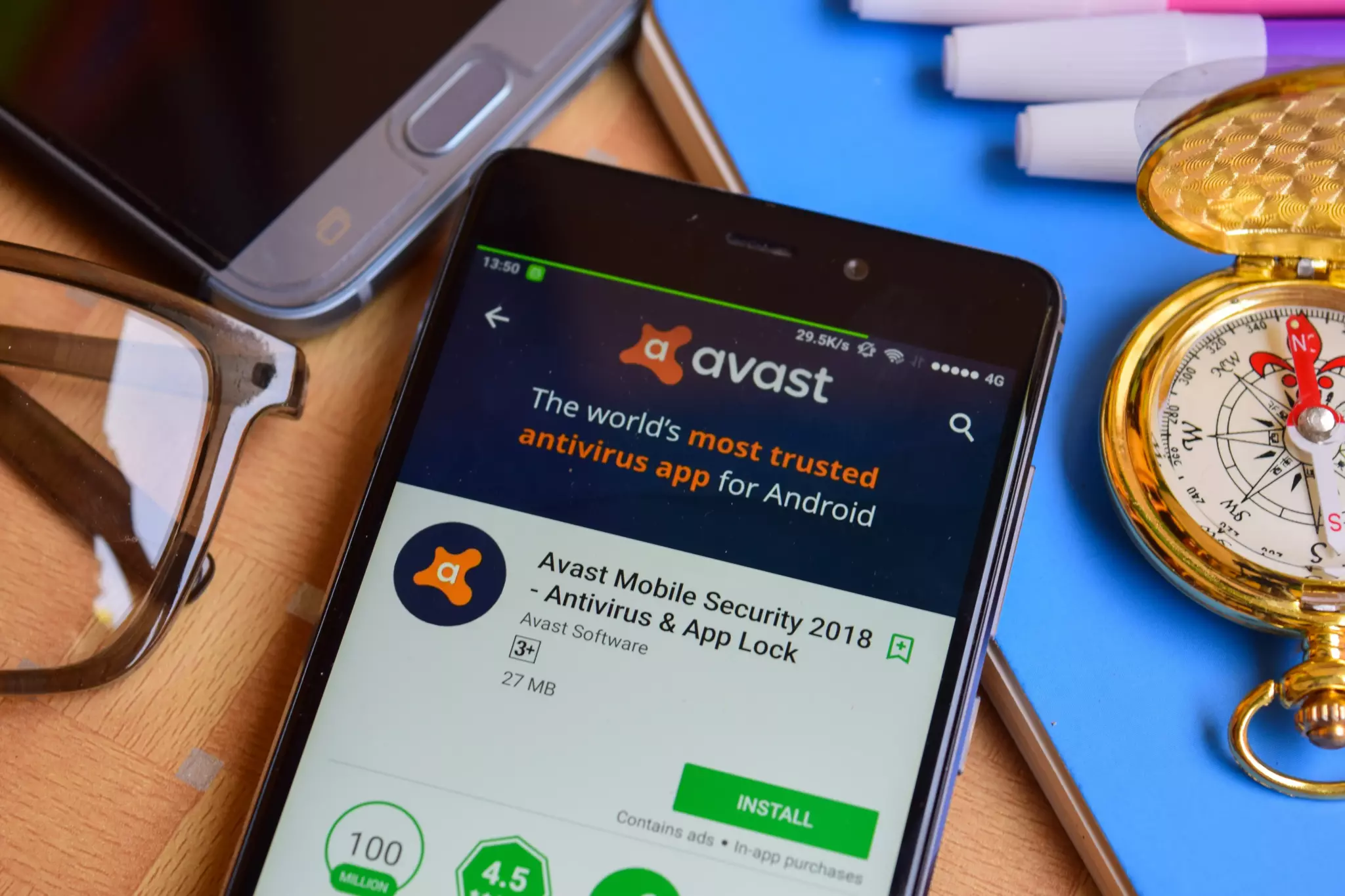
Using antivirus software, ad blockers, and a firewall helps protect your device from malware, suspicious downloads, and unwanted pop-ups. These tools act as an extra layer of defense, catching threats before they can cause harm.
They also make your browsing experience smoother by blocking intrusive ads and reducing the risk of malicious content.
Just as important, make sure you keep your software up to date. Cyber threats are always evolving, and updates often include important security fixes. Staying updated is one of the simplest and most effective tips to stay safe online.
5. Only Use Secure WiFi Networks
Not all WiFi networks are as safe as they seem.
Public WiFi, like the kind you find in cafes or airports, can expose you to risks. In some cases, attackers set up fake hotspots that look legitimate but are designed to steal your information.
To stay safe, try to stick to password-protected networks and avoid logging into sensitive accounts when using public WiFi. If you need to access personal or financial information, it is best to wait until you are on a trusted connection.
Your home network matters too. Make sure it is secured with a strong password, and consider setting up a separate guest network for visitors or smart devices. This helps keep your personal data isolated and better protected.
6. Use a Virtual Private Network (VPN)
A VPN (Virtual Private Network) is a simple way to add an extra layer of privacy when you are online.
It works by encrypting your internet connection and routing your activity through a secure server. This makes it much harder for hackers, advertisers, or even your internet provider to track what you are doing online.
A VPN can also help you access content that may be restricted in your location, which can be useful when traveling or browsing globally.
There are many options available, so take a little time to find one that fits your needs. Popular choices include NordVPN and PrivateVPN.
7. Reduce Your Internet Footprint
Your digital footprint is everything you leave behind online, from social media accounts to old subscriptions you forgot about.
The more accounts you create and the more information you share, the more opportunities there are for your data to be exposed.
One of the easiest tips to stay safe online is to keep your footprint as small as possible. Delete accounts you no longer use, and avoid signing up for services you do not really need. Less data online means less for attackers to find and use.
8. Regularly Back Up Your Data
Backing up your data might not seem urgent, but it can save you from a lot of stress later.
If your device is lost, damaged, or affected by a cyberattack, having a backup means your important files, photos, and documents are still safe.
Try to back up your data at least once a week. You can use an external hard drive or a trusted cloud service to keep copies of your information.
Think of it as a safety net. If something goes wrong, you are not starting from scratch.
9. Only Browse Secure Sites
When browsing online, it is important to check that the websites you visit are secure.
Look for “https” in the URL. The “s” stands for secure, which means the site encrypts your data and helps protect it from being intercepted.
This is especially important when you are shopping online or entering sensitive information like passwords or credit card details.
If a site only shows “http,” avoid entering any personal information.
10. Use Privacy Plugins
Privacy plugins are small tools you can add to your browser to help limit tracking and protect your data while you browse.
They work by blocking things like tracking scripts, ads, and third-party cookies that follow your activity across websites.
Two popular options are Decentraleyes and Privacy Badger. Using tools like these is an easy way to take back a bit more control over your online privacy.
11. Use Two-Factor Authentication (2FA)
Two-factor authentication (2FA) adds an extra layer of protection to your accounts.
In addition to your password, you will need a second form of verification, such as a code sent to your phone or generated by an app. This makes it much harder for someone to access your account, even if they have your password.
For the best security, use an authentication app like Google Authenticator instead of SMS codes, since text messages can sometimes be intercepted.
For a good measure of online safety, save backup codes in a safe place. That way, you will not lose access to your account if you lose your device.
12. Keep Bluetooth Turned Off When Not in Use
Bluetooth is convenient, but it can also open the door to unwanted access if you are not careful.
One of the easiest tips to stay safe online is to turn off Bluetooth when you are not using it. This not only helps save battery, but it also reduces your exposure to nearby threats.
When your Bluetooth is left on, your device can be visible to others within range. That creates an opportunity for two types of attacks: bluejacking and bluesnarfing.
- Bluejacking is mostly harmless, but still annoying. It happens when someone sends unsolicited messages or files to your device. While it is not dangerous, it can feel intrusive and disruptive.
- Bluesnarfing is much more serious. This type of attack allows someone to access your device without permission and potentially steal sensitive information like contacts, messages, or other personal data. In some cases, this can lead to identity theft or fraud.
The best way to protect yourself is simple. Keep Bluetooth off unless you actively need it, and avoid connecting to unknown or untrusted devices.
13. Be Cautious with Mobile App Downloads & Permissions
Downloading apps is part of everyday life, but it’s also one of the easiest ways to accidentally give away your personal data.
Not all apps are safe. Some can contain malware, spyware, or hidden tracking tools, especially if they come from unverified sources. That’s why you should only download apps from trusted platforms like the Apple App Store or Google Play Store.
When you install an app, pay close attention to the permissions it requests. Many apps ask for access to your location, contacts, camera, microphone, and files and once you allow it, they can potentially collect and use that data continuously in the background.
Here’s the key: you’re in control but only if you pay attention.
Don’t fall into the habit of tapping “Allow All” just to move faster. Take a moment to ask: Does this app actually need this access to work? A flashlight app doesn’t need your contacts. A game doesn’t need your location.
Only grant what’s necessary. Nothing more.
Because once you approve those permissions, you may be sharing more of your life than you realize and it’s not always easy to take that access back.
13 Tips to Stay Safe Online: Recap
Staying safe online is becoming increasingly important in the digital age. By implementing the tips outlined in this article, you can reduce the risk of cyberattacks, identity theft, and online scams.
Here’s the recap of the tips to stay safe online:
- Choose a strong password and use a password manager app to store your passwords
- Think before you post or write anything online and avoid geotagging
- Recognize common cyberattacks, such as phishing, spyware, and adware
- Use antivirus, ad blockers, and firewall software and keep them updated
- Only use secure WiFi networks with the https protocol
- Consider using a VPN that encrypts your traffic
- Reduce your digital footprint by deleting unnecessary accounts
- Regularly back up your data and browse secure sites
- Use privacy plugins and implement 2FA
- Keep Bluetooth turned off when not in use
- Finally, be cautious with mobile app downloads and permissions
But remember that these tips to stay safe online are just the beginning. Explore new ways to stay safe and informed about online safety trends.
By taking the necessary precautions, you can enjoy the benefits of the internet without putting yourself or your data at risk. Stay safe out there!
Frequently Asked Questions
Using strong, unique passwords for every account is one of the most effective ways to protect yourself. If one account is compromised, it prevents hackers from accessing others.
Two-factor authentication adds an extra layer of security by requiring a second form of verification (like a code sent to your phone). Even if someone steals your password, they won’t be able to log in without that second step.
Phishing scams often create urgency (“act now”), include suspicious links, or come from unfamiliar senders. Always double-check email addresses, avoid clicking unknown links, and never share sensitive information.
Public Wi-Fi can be risky because hackers may intercept your data. Avoid logging into sensitive accounts on public networks, or use a VPN for added security.
Software updates often fix security vulnerabilities. Keeping your devices and apps updated ensures you’re protected against the latest threats.
Limit what you share, especially details like your address, phone number, or travel plans. Oversharing can make you a target for identity theft or scams.
Yes, security software can help detect and block malware, phishing attempts, and other threats, especially if you frequently browse, download, or shop online.
Immediately change your password, enable 2FA if it’s not already on, and check for suspicious activity. You should also notify the service provider and monitor your accounts closely.