Tag: Internet speed
-

Do You Need a Mesh Router in 2026? An Honest Guide for Fiber Homes
Key takeaways You likely need mesh WiFi if your home is large, has more than one floor, or has walls that block signal and leave dead spots. A single strong router is usually enough in a smaller, open home. On a fast fiber plan, weak WiFi in one room is a coverage problem, not a…
-

What is Frequency in Wi-Fi? 2.4 GHz & 5 GHz Bands, Explained
2.4 GHz vs. 5 GHz WiFi: Key Takeaways 2.4 GHz goes farther, 5 GHz goes faster. 2.4 GHz reaches across more of your home and handles walls better, but maxes out near 100 Mbps. 5 GHz runs up to about 1 Gbps over a shorter range. Put the devices you use most on 5 GHz.…
-

What Internet Speed Do I Need to Work From Home? (2026 Guide)
Work from home internet speeds: key takeaways 100 Mbps is usually enough for one person working from home with standard office tasks like email, video calls, and cloud apps. Upload speed matters more than download speed for video calls, screen sharing, and file uploads — but most plans short-change you on uploads. Your job type…
-

Race Communications Plans & Internet Speeds, Explained
Race Plans in a Nutshell Quick Summary Race Plans in a Nutshell Not sure which plan to pick? Here is the short version. Every Race plan includes free installation, a free router, unlimited data, no contracts, and symmetrical upload and download speeds. Plan Speed Best for Internet 500 500 Mbps Smaller households and lighter everyday…
-
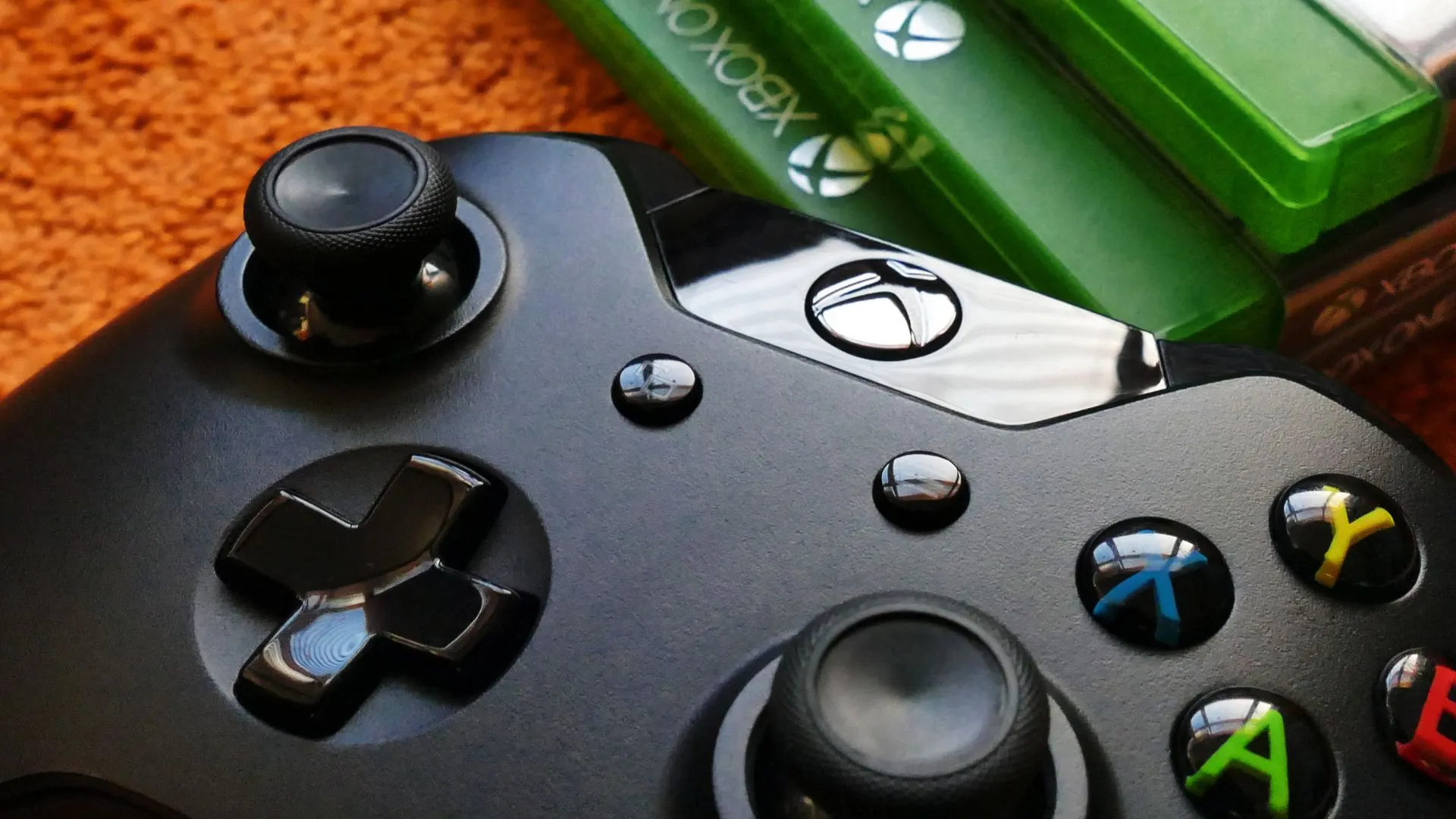
Xbox Download Speed Slow but Internet Fast: Try These 8 Tested Solutions
Xbox Download Speed Slow but Internet Fast: Key Takeaways Slow Xbox downloads despite fast internet are usually caused by Wi-Fi interference, background apps, DNS bottlenecks, or Microsoft server congestion — not your ISP. The fastest fixes: switch to a wired Ethernet connection, close background games, and restart your router. Changing your DNS to Google (8.8.8.8)…
-
Upload vs Download Speed: What’s the Difference?
Key Takeaways Download speed is how fast data comes to you — streaming, browsing, and loading apps. Upload speed is how fast you send data out — video calls, gaming, file backups, and posts. Most traditional plans are asymmetrical — built to favor downloads, leaving upload speeds far behind. Cable and DSL plans often allocate…
-

Is 500 Mbps Fast? (Gaming, Streaming, Work from Home in 2026)
Is 500 Mbps fast Key takeaways 500 Mbps is fast — well above what most households need, and comfortably handles 4K streaming, gaming, and video calls all at the same time. For gaming, 500 Mbps far exceeds the 3–25 Mbps most consoles require, keeping lag and buffering out of the picture even with multiple players…
-
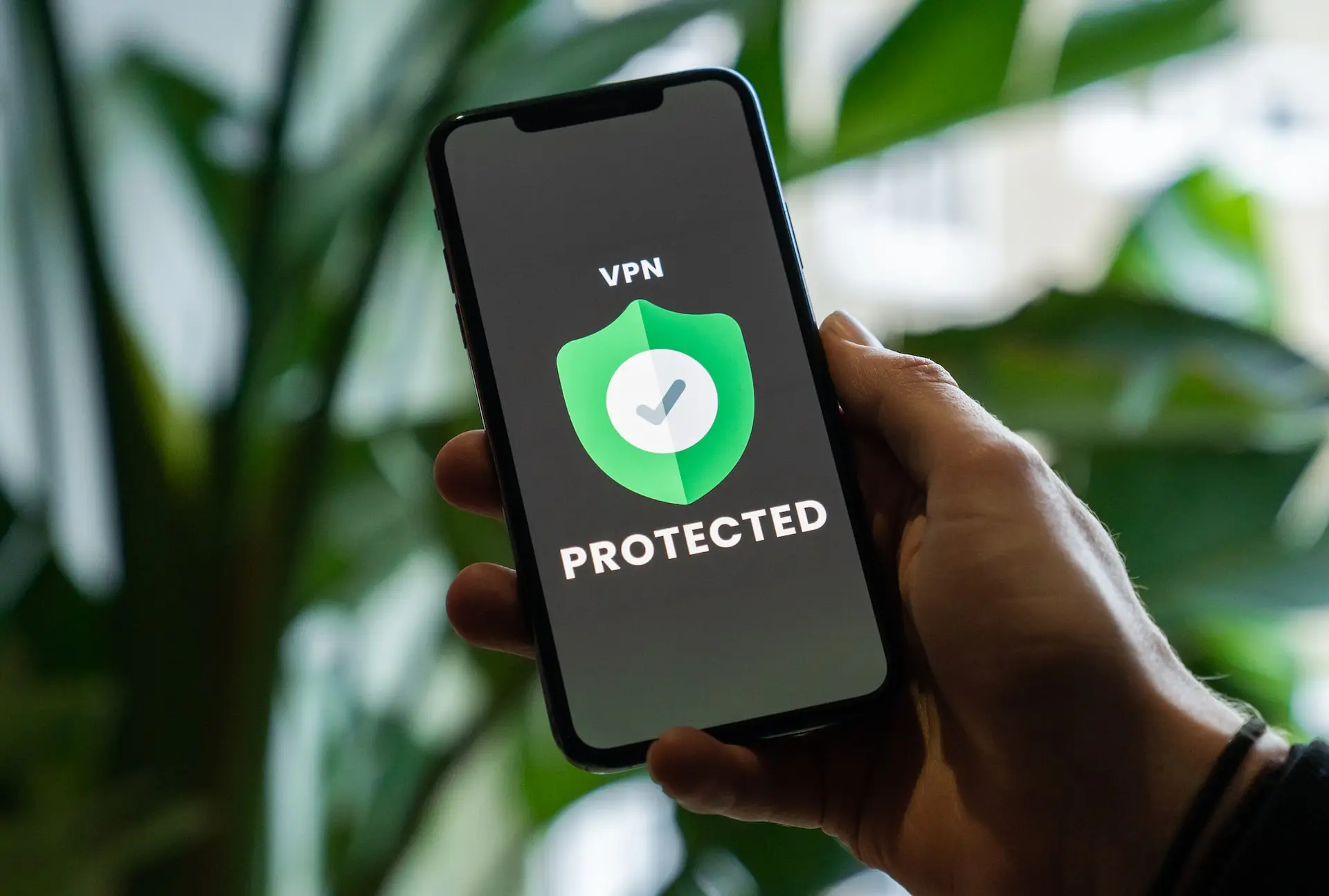
Does a VPN Slow Down Internet? Yes, But It Doesn’t Have To
Key Takeaways – Does a VPN Slow Down Internet Key Takeaways 🔒 Yes, VPNs typically slow down your internet — but not always by much. The encryption process and the rerouting of your traffic through remote servers both add overhead, which increases latency and reduces speed. 🌍 Distance is the biggest speed killer.The farther the…
-

These 7 Materials Can Block Wi-Fi Signal (& What You Can Do About It)
Key Takeaways – Materials Can Block WiFi Signal Key Takeaways 🔩 Metal is the worst material for WiFi. It reflects radio waves rather than letting them pass through — placing your router near filing cabinets, metal doors, or metal shelving will reliably create dead zones. 🧱 Concrete and brick walls are major signal blockers.Their density…
-

9 Effective Tips to Improve Weak WiFi Signal Upstairs
Key Takeaways – Effective Tips to Improve Weak WiFi Signal Upstairs Key Takeaways 📍 Where you put your router matters more than almost anything else. WiFi signals spread horizontally, not vertically — so a router sitting on the ground floor in a corner is working against physics. Moving it higher and more centrally changes everything.…