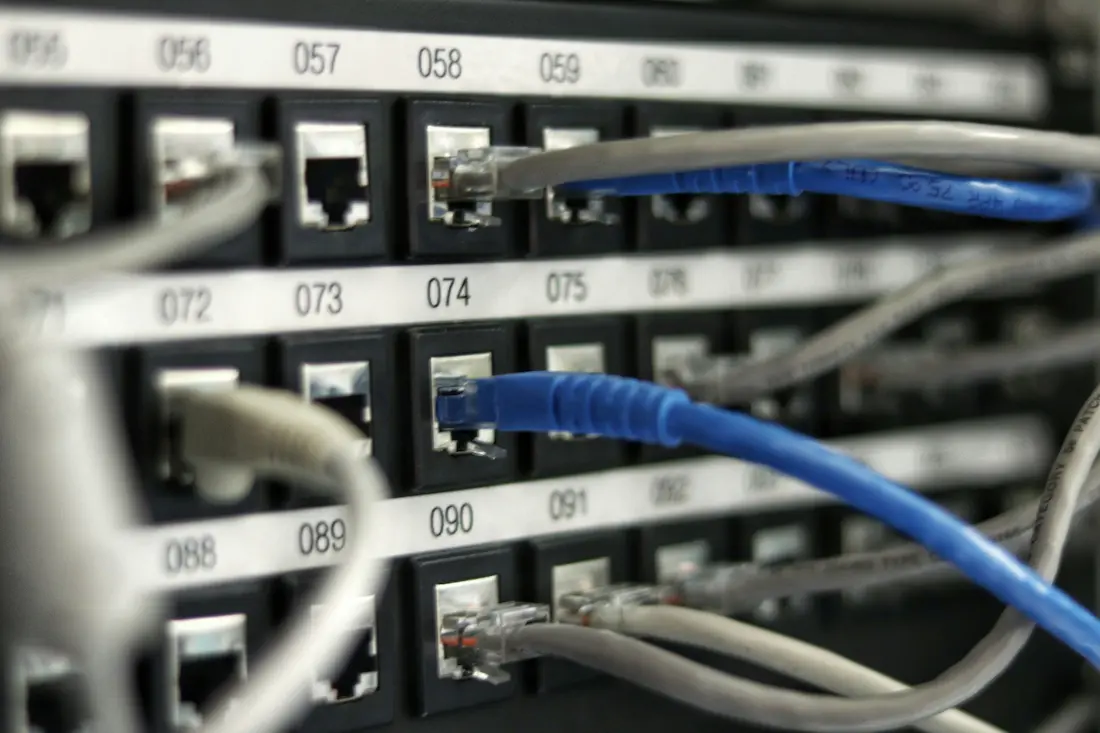
Looking to upgrade your home or office network? You might be hearing more about multi-gig switches: devices that help you get speeds above 1 Gbps. Whether you’re gaming, streaming 4K content, backing up huge files, or simply future-proofing your setup, a multi-gig switch can make your network feel faster and more reliable.

In this guide, we’ll break down what a multi-gig switch is, when you actually need one, the features to look for, and our top recommendations.
What is a Network Switch?
A network switch is a small box with multiple Ethernet ports used to connect devices (like computers, consoles, smart TVs, printers, servers, or access points) into a single local network.
If your router doesn’t have enough Ethernet ports, or you want faster, more stable wired connections, a switch helps expand your network.
You don’t need a network switch if:
- You only use Wi-Fi (not Ethernet)
You have just one or two devices to plug in
Your internet plan is under 1 Gbps
You do need a switch if:
You want more wired ports than your router offers
You want lower latency for gaming or work
You’re building a small office, studio, or smart home with multiple Ethernet devices
WiFi or Ethernet: Which One is Better?
What is a Multi-Gig Switch?
A multi-gig switch is a type of network switch that supports speeds above 1 gigabit, such as: 2.5G, 5G, and 10G.
Unlike standard gigabit switches, multi-gig switches can move data much faster on your local network. This matters even if your internet plan is slower than 10 Gbps because many activities don’t rely on the internet at all.
A multi-gig switch helps with:
Transferring large files between computers
Streaming to multiple TVs without buffering
Backing up to a NAS (Network Attached Storage)
Running cameras or access points that need more bandwidth
Supporting multiple high-performance devices simultaneously
Example: A photographer backing up 50GB of raw files to a NAS will see a dramatic speed difference between 1G and 10G. A gamer trying to reduce latency on a console benefits too.
Types of Multi-Gig Switches (and Who Should Use Each)
| Multi-Gig Switch Type | Best For | Why Choose It |
|---|---|---|
| 2.5G |
|
|
| 5G |
|
|
| 10G |
|
|
Do You Actually Need a Multi-Gig Switch?
You might need a multi-gig switch if you:
For Gamers
Want ultra-low latency
Play competitive online games
Stream gameplay while gaming
Have multiple consoles/PCs connected at once
For Businesses
Transfer large files (video, photos, CAD, etc.)
Run multiple video calls without lag
Share files over a server/NAS
Use many access points or cameras
For Home Networking Fans
Stream 4K/8K on multiple TVs
Have many smart devices
Work from home with large files
Want future-proof speed as internet plans rise
You don’t need a multi-gig switch if:
If your home or office feels slow even though your internet is fast, a multi-gig switch can fix bottlenecks.
7 Key Multi-Gig Switch Features to Look For
1. Power over Ethernet (PoE)
PoE allows a single Ethernet cable to provide both data and power to a device.
That means the device doesn’t need a separate power adapter or outlet.
PoE is commonly used for:
- Security cameras (especially outdoor or hard-to-reach spots)
- WiFi access points (mounted on ceilings or walls)
- VoIP phones (office desk phones that need internet + power)
Without PoE, you’d need:
- A power brick
- An electrical outlet nearby
- A separate Ethernet cable
With PoE, you run one cable from your switch to the device, and you’re done.
Benefits:
- Cleaner setups
- Safer cable management
- Easier installations
- Better for large homes and offices
2. Number of Ports
Switches come in sizes like:
- 5-port
- 8-port
- 12-port
- 16-port
- 24-port
How many ports does your multi-gig switch need:
- Homes: 5–8 ports
- Home offices: 8–12 ports
- Small businesses: 12–24 ports
- Large offices: 24+ ports
Always choose 2–4 more ports than you need today. Once you start adding new devices (TVs, consoles, cameras, smart hubs), ports disappear fast.
3. Compatibility With Existing Cables
This is the part that confuses a lot of people, but it’s simple:
- Cat5e: Works with 1G and usually 2.5G
- Cat6: Works with 1G, 2.5G, 5G
- Cat6a: Best choice for 10G speeds
- Cat7/Cat8: Overkill for most homes
As speeds increase, cables:
- need better shielding
- handle signal more efficiently
- support longer distances
If someone installs a 10G switch but uses old Cat5 cables, the network may slow down to 1G.
4. Managed vs. Unmanaged Switches
This is one of the most confusing multi-gig switch topics for beginners. Let’s make it simple.
Unmanaged Switches
Think of unmanaged switches as plug-and-play devices.
- No configuration needed
- You plug devices in, and they instantly work
- Cheaper
- Perfect for homes and simple offices
Analogy:
Unmanaged switches are like a power strip. Just plug stuff in.
Managed Switches
Managed switches offer extra control over your network. They’re used when you want more security, organization, or performance.
What they offer:
VLANs (Virtual LANs)
Let you split your network into sections.
Example:
- Cameras on one VLAN
- Work computers on another
- Guest devices on another
This helps with security and organization.
Traffic Prioritization (QoS)
Lets you choose which devices or apps get the “fast lane.”
Examples:
- Give Zoom calls priority so they don’t lag
- Give gaming systems lower latency
- Make sure cameras get constant bandwidth
Monitoring & Logs
Shows what devices are connected and how much bandwidth they use.
Port Management
Turn ports on/off, limit speeds, or isolate devices for security.
Who should choose managed switches:
- IT professionals
- Businesses
- People with security concerns
- Anyone with lots of devices and high performance needs
5. Quality of Service (QoS)
Quality-of-Service is a feature that lets your switch decide which types of traffic are more important.
Picture multiple people using the internet at once:
- Someone streaming Netflix
- Someone on a Zoom meeting
- Someone gaming
- Someone uploading files
Without QoS:
Everyone gets an equal share, which can cause buffering or lag.
With QoS:
You choose who gets priority:
- Zoom meetings
- Voice calls
- Gaming
- Cameras
This ensures important tasks never lag, even when the network is busy.
6. SFP+ Ports
SFP+ (Small Form-Factor Pluggable Plus) ports are used for fast and flexible network connections, especially 10G and above.
What SFP+ lets you do:
- Run fiber optic cables for long distances
- Connect two switches easily
- Use copper modules if you prefer Ethernet
- Reduce interference for cleaner connections
Who benefits from SFP+:
- Offices with devices far apart
- Homes where the modem is far from the switch
- People running 10G NAS systems
- Anyone linking multiple switches
If your modem is in the garage but your home office is upstairs, SFP+ fiber lets you connect them without losing speed.
7. Noise & Cooling
Multi-gig switches run hotter because they move more data.
If the switch is near people → fanless.
If it’s hidden away in a closet → fan-cooled is fine.
Fanless switches
- Completely silent
- Perfect for bedrooms, living rooms, offices
- Ideal for 2.5G and some 5G models
Downside:
They can get warm under heavy loads.
Fan-cooled switches
- Use internal fans to cool themselves
- Better for 10G switches and heavy workloads
- More consistent performance
- Great for server closets or media rooms
Downside:
Fans make noise, sometimes barely audible, sometimes noticeable.
Best Multi-Gig Switches in 2025
Here are top recommendations for different needs and budgets:
⭐ Best Budget (2.5G): Real HD SW8-1-2G
8× 2.5G ports
1× 10G SFP+ uplink
Fanless and affordable
Great for home networks
⭐ Best for Home Power Users (10G): MikroTik CRS309-1G-8S+IN
8× 10G SFP+ ports
Silent cooling
Ideal for NAS-heavy setups
⭐ Best for Small Business: QNAP QSW-M3216R-8S8T
Mix of SFP+ and 10GBASE-T ports
Easy web-based management
Great security features
⭐ Best All-Around Multi-Gig: NETGEAR XS508M
8× multi-gig ports (1G–10G)
No need for Cat6 wiring for most use cases
Easy plug-and-play
⭐ Best Enterprise Option: Brocade ICX Series
10G and 40G options
Extremely powerful and customizable
Ideal for heavy-duty business environments
Final Thoughts on Multi-Gig Switches
A multi-gig switch can seriously upgrade your home or office network, especially if you’re gaming, working from home, using smart devices, or transferring large files.
And great news: Race Communications offers multi-gig internet speeds up to 10 Gbps, which pairs perfectly with multi-gig switches for next-level performance.
If you’re ready to future-proof your network, give us a call at 877-722-3833 or order online anytime.